Posting credit score to Facebook is 'last thing on Earth' one expert would do


TUCSON, AZ (KOLD) - Consumers who obtain their credit scores through one company's website now have the option of posting their scores on Facebook. But experts say that's not a good idea.
"That is the last thing on Earth that I would want to do," said Jim Summers, attorney for the Allen Summers law firm, and a leading legal source on Internet privacy and security.
Whether you credit score is good or bad, Summers said posting it, through such websites as TransUnion's, tells insurance agents, employers, and identity thieves that you're willing to be loose with your financial information.
"It reflects - I'm not going to say character - but to a certain extent, it reflects certain financial habits," he said.
Cynthia Hampton, financial specialist with ClearPoint Credit Counseling Solutions, said when consumers post their credit scores on Facebook, they open the flood gates to phishing scams, credit spammers, even friends and family who may harass them to co-sign a loan.
Hampton said it might even cost someone their job.
"If I had an employee that was sharing that type of privileged, private information, I would wonder what type of information in my company they would share," she said.
Clifton O'Neal, senior director for TransUnion's corporate communications staff, said the credit bureau's Facebook score-sharing application is optional.
He added that the application doesn't share the consumer's actual three-digit score, but instead a letter grade that represents the score.
"It will allow members to share their credit letter grade and help friends and family learn how they too can get started on the path to healthy credit," O'Neal said in a written statement. "TransUnion will continue to monitor this application and best practices in social media."
Kristin Burnham, writer for the business technology site CIO.com, offered what she called the 10 must-know Facebook security settings:
* INFORMATION YOUR FRIENDS SHARE ABOUT YOU. "When your Facebook friends use games and applications, those apps can request information about other friends - i.e. you - even if you don't use the app," wrote Burnham. "This information can include your bio, photos, political views and places where you check-in."
SOLUTION: "Visit Account > Privacy Settings > Apps and Web sites. Click 'Edit Settings' next to 'Info accessible through your friends' and uncheck any necessary boxes."
* SOCIAL ADS. Those ads that pop up on your Facebook page that uncannily seem to know what you like to buy? Those appear because of an action you have taken on your page, such as "liking" a certain page.
SOLUTION: Go to Account Settings and click on the Facebook Ads tab. From the drop-down menu, click either "no one" or "only my friends" or "friends only."
* APPLICATION SETTINGS. "Choose Account > Privacy Settings > Applications and Web sites," Burnham wrote. "Then, next to 'Apps you use,' choose Edit Settings. Here, you can see which applications you've authorized to interact with your account, when you authorized them to do so, edit the settings or delete the application entirely."
* REMOTE SIGN-OUT. This setting allows you to log out of your Facebook page remotely if you forgot to log off at home or work.
"From 'Account,' choose 'Account Settings,' then 'Account Security,'" wrote Burnham. "Here, you can choose to get notified via text or e-mail if a new computer or mobile device logs into your account."
* FACEBOOK CHECK-INS. Burnham wrote, "With this feature enabled, your Facebook friends can tag you and 'check you in' to a place. You receive a notification when you're tagged, and an update is posted on your wall telling your friends where you are and who you're with. You can remove the tag at any time."
SOLUTION: "To disable the feature, visit Account > Privacy Settings > Customize Settings. Scroll to the middle section—'things others share'—and click 'Edit settings' next to 'Friends can check me into Places.'"
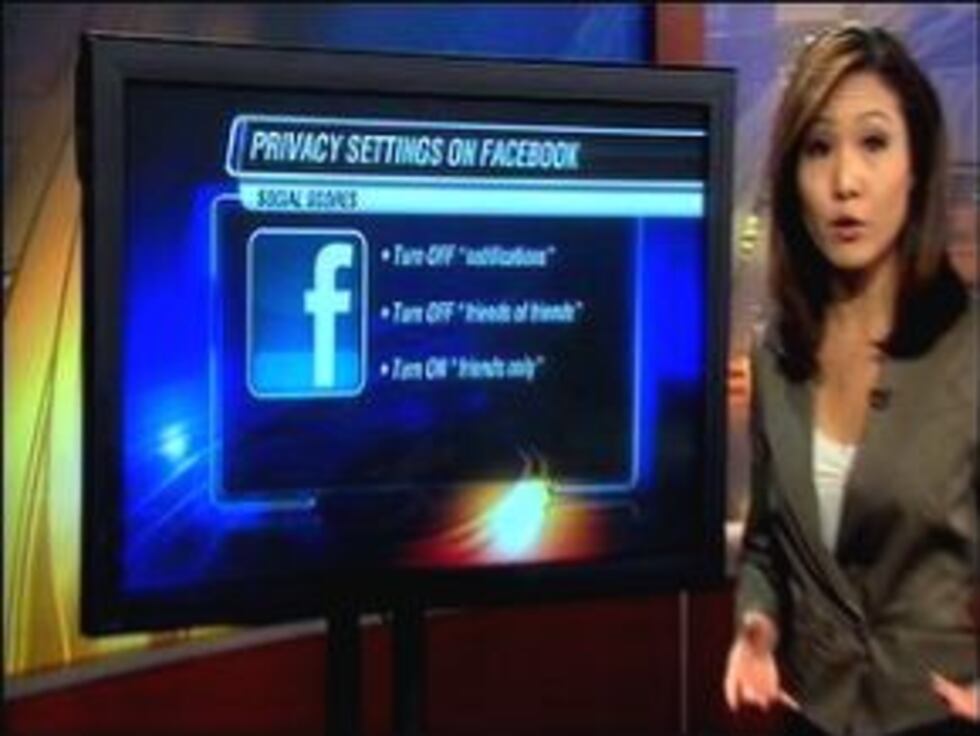
"I recommend turning off all notifications," said Summers. "Letting all your Facebook friends know where you are all the time is an unnecessary risk."
* INCLUSION IN THE "PEOPLE HERE NOW" SETTING. "By default, your name and Facebook profile picture appear in the list, which is visible to anyone—friend or not—who checks in to the same location," wrote Burnham.
SOLUTION: "To disable this setting, visit Account > Privacy Settings > Customize Settings, and then uncheck the box at the bottom of the first section that reads, 'Include me in 'People Here Now' after I check in.'"
* YOUR FACEBOOK PROFILE SHOWING UP ON SEARCH ENGINES. "If someone Googles your name, it's possible that your Facebook profile, along with your profile picture and any other information you've made public, will turn up as a result," wrote Burnham.
SOLUTION: "Go to 'Account' then 'Privacy Settings' and choose 'Edit your settings' under the 'Apps and Web sites.' Click 'Edit Settings' next to the last option, 'Public search,' and uncheck the box to disable it."
* ONE-TIME PASSWORDS. You have the option of creating one-time passwords on Facebook if you must check your page on an unsecured Wi-Fi network, like at a hotel, coffee shop, or airport.
"To receive your one-time password, text "otp" to 32665 (FBOOK) on your mobile phone and you'll receive a password that can be used only once and expires in 20 minutes," wrote Burnham. "This feature is only available in the United States."
* PHOTO ALBUMS. Burnham said you may have set some of your Facebook photos to be private, but left your photo albums wide-open.
SOLUTION: "Go to your 'Privacy Settings' page and choose 'Customize settings.' At the bottom of the first section, click 'Edit album privacy.' Here you'll see every one of your photo albums, and each of their assigned privacy settings," wrote Burnham.
* INSTANT PERSONALIZATION. Burnham said sites like Bing, Pandora, and Yelp support instant personalization, which allows you to see what your friends like in pages, songs or news stories. "Instant Personalization uses information you made public on your Facebook profile to make recommendations," she wrote.
SOLUTION: "To opt out, visit your Privacy Settings page, then choose 'Edit your settings' under 'Apps and Web sites' at the bottom," she wrote. "Scroll to the bottom, click 'Edit Settings' next to 'Instant personalization' and uncheck the box on the next page."
"For optimal security, I recommend 'Friends Only' for all access points," added Summers. "Turn off 'Friends of Friends,' and never use that setting again."
Copyright 2011 KOLD. All rights reserved.